
Web applications and their development is a pack of rules and guidelines that developers should obey every-time. If we were imagining a perfectly working website for our own, you need to get used to these Web technologies that will stand by your side to produce an output.
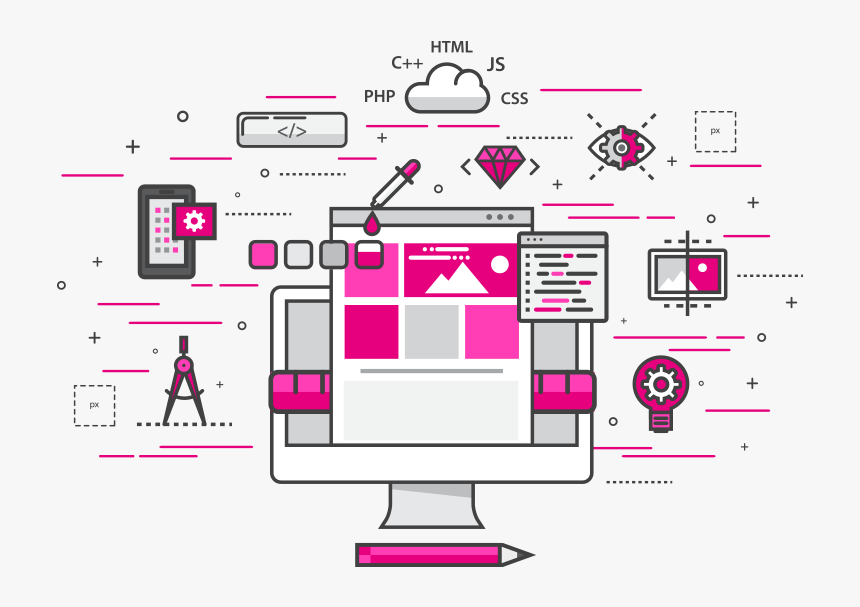
During the process of developing an app or website actually means you are knowing 3 important languages: JavaScript, CSS (Cascading Style Sheets), HTML (Hyper Text Markup Language).
Web Technology means:
You have been keep listening that a developer says about “web development technologies” but have you ever think, what this actually means?
Because of the reason, computers cannot communicate with others as we do, it needs system understandable code. Web Technologies are Markup languages that computers use to communicate.
1. Gateways:
When an website is ready to deploy, we need interpreters for the code we written to produce an output that we desired for, they are called as Gateways. here are some:
Chrome – Gateway produced by Google
Firefox – Mozilla’s Open source Gateway
Safari – Apple Gateway
Internet Explorer – Gateway from Microsoft
there are many more gateways produced by different organisations.
2. HTML & CSS:
HTML was the basic you will learn at the school level. If you got to know how HTML works, you need to know about CSS
CSS describes about the elements of HTML are displayed on gadget screen when you browse through a website. you can produce many page transitions, image effects, text effects, hover effects, shadows for texts and more.
3. Frameworks:
Frameworks are the key points that can make developer use them to avoid doing many tasks in a structured way instead get right to work.
Angular
Angular is one of the latest web technologies designed specifically for developing dynamic web applications. With this framework, you can easily create front-end based applications without needing to use other frameworks or plugins.
The features include templates, MVC (Design pattern) architecture, code generation, code splitting etc. All the expressions are like code snippets that enclosed within curly braces and do not use any loops or conditional statements.
Ruby On Rails:
Ruby on Rails is a server-side website technology that makes app development much easier and faster. The thing that really sets this framework apart is the re-usability of the code.
websites like GitHub, Twitter, Shopify built using Ruby.
Meteor JS:
Meteor JS is written in Node.js and it makes it possible for you to create real-time web applications for different platforms. The framework for creating simple websites for personal use really stands out with Meteor JS.
This is an open-source JavaScript web framework which also means that the webpage loading time is significantly shorter. JavaScript stack also makes it possible to get the same results with fewer lines of code than usual results.
Expres JS:
Developed in Node.js, Express.js is a web app development network that is great for those who need to develop apps and APIs as fast as possible. A lot of great features are provided with the help of plugins.
Django:
Django is one of the most popular frameworks written in Python and follows MVC architecture. It makes the app development process much easier thanks to its simplicity.
Django simplifies using Python a lot and provides multiple tools that make a web app developer’s life easier – e.g. an ORM, Models, Django admin, templates, etc
4. Languages:
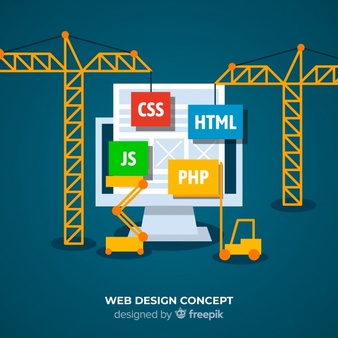
As i spoke before that computers cannot understand human languages, hence they need a coding language, here are some programming languages:
Javascript – used by all web browsers, Meteor, and lots of other frameworks
CoffeeScript – a “dialect” of JavaScript. It is viewed as simpler but it converts back into JavaScript
Python – used by the Django framework as well as in the majority of mathematical calculations
Ruby – used by the Ruby on Rails framework
PHP – used by WordPress to create editors, It’s also used by Facebook, Wikipedia, and other major sites
Go – newer language, built for speed
Swift – Apple’s newest programming language
Java – used by Android and a lot of desktop applications.
5. Requests:
The instructions for how to pass information between computers and gadgets are known as protocols.
HTTP
This protocol, each website can get to the browser. The protocol requests the website from Google server and then receives a response with the HTML, CSS, and JavaScript of the website.
DDP
Uses websockets to create a stable connection between the client and the server. As a result of that, you are getting website updates in real-time without having to refresh the browser.
REST
Useful for API’s, this protocol has standard methods like GET, POST, and PUT that let information be exchanged between applications.
6. APIs:
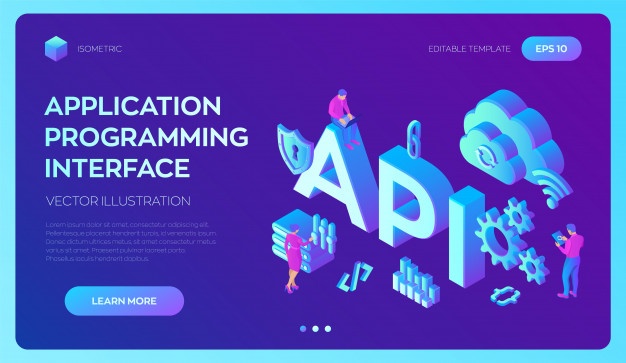
APIs are well known to allow others to use some of the features without actually sharing codes. Well known examples for APIs are Facebook, Twitter, Gmail for their Login though services.
7. Data formats:
Data is stored in the structure called a data format.
JSON – JavaScript Object Notation is a syntax for storing and exchanging data (just like XML).
XML – Predominantly used by Microsoft systems, it used to be the most popular data format
CSV – is data formatted by commas; for example Excel data.
8. Client-side:

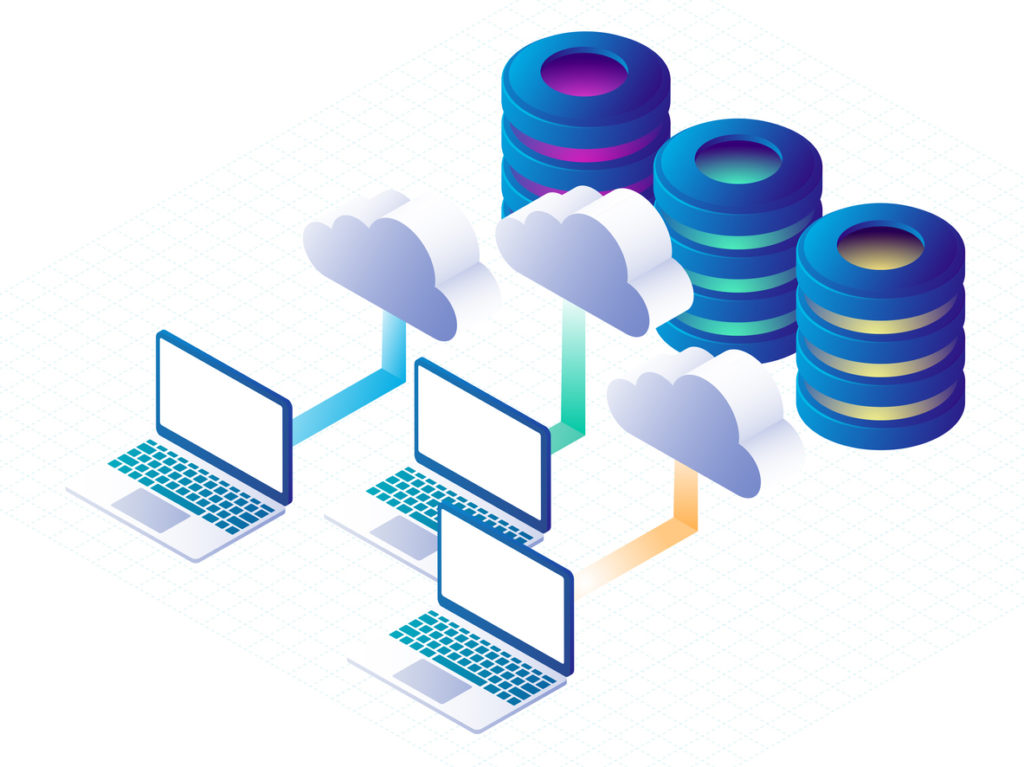
Users of an application is called a client. Clients can be computers, mobile gadgets, tablets etc. Usually, multiple clients are interacting with the same app stored on a server at a singular point of time.
9. Server-side:
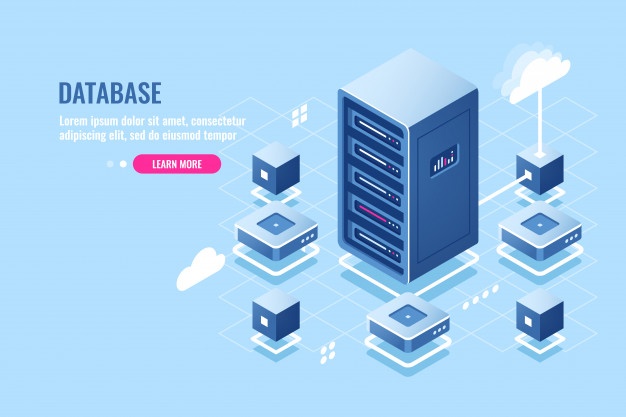
The application code is usually stored on the server. The clients who are using the application make requests to the servers. The servers then respond to those requests after gathering the requested information.
Author: Mihir Bommisetty








 Tech Terminal